
GOODLOAD on your phone
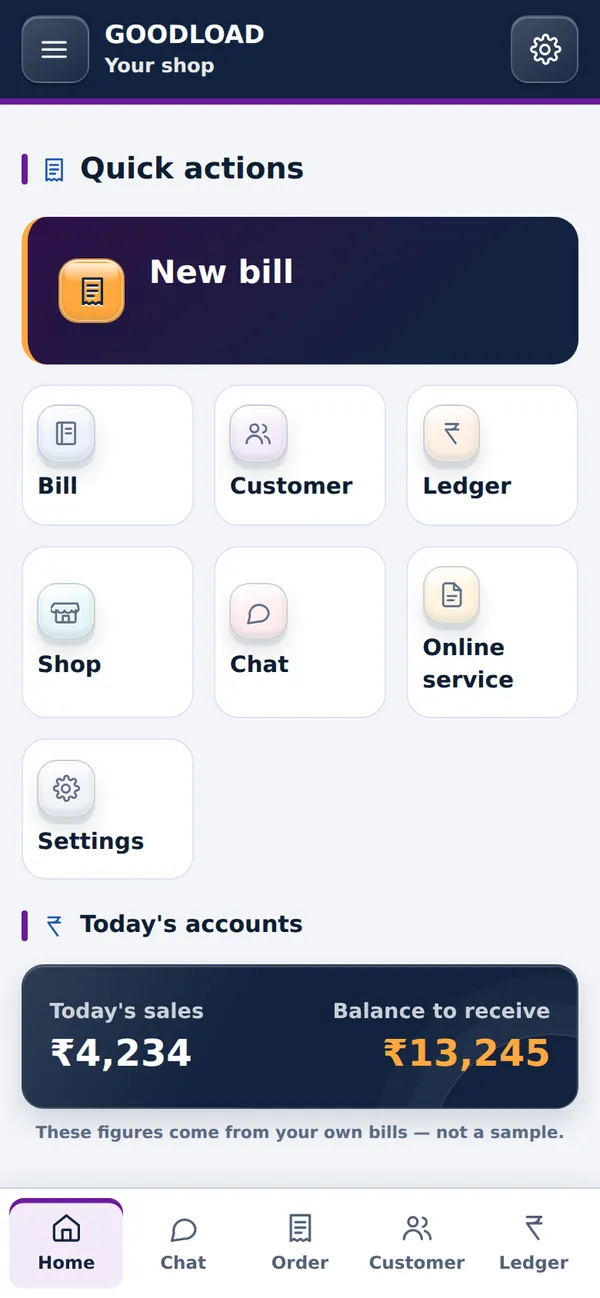
Use it like any other app — full screen, from your home screen, with the same login and the same records everywhere.
Android app
Checking…One moment — checking whether the app file is ready.
Please wait…
Add to home screen
Works right nowThe same app, with nothing to wait for. Once it sits on your home screen it opens full-screen like a normal app.
- Open goodload.in/app in Chrome on your phone.
- Tap the three-dot menu at the top right.
- Choose Add to Home screen. On an iPhone, use Share → Add to Home Screen in Safari.
Same login, same records
Whichever way you open it, your bills, accounts, shop and trucks are the same. Nothing has to be copied.
Works without internet
Keep working when the network drops — it saves on the phone and uploads later.
Only from goodload.in
Get GOODLOAD only from this website or, later, the Play Store. We never send the app over WhatsApp.